
Please note: The below description is only valid for the manual blocking code. If you want to use automatic code blocking, please ensure that the CMP-Code is inserted directly after the <head> element of your website code.
In order to integrate your CMP Code into a Jimdo Shop please follow these steps:
- Login to your Jimdo Shop
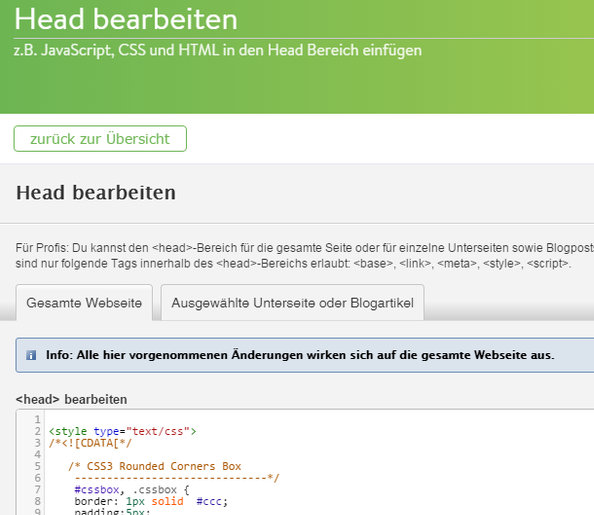
- Go to Menu > Settings > Edit Head (Menü >Einstellungen > Head bearbeiten)
- Copy the CMP Code and paste it into the field for the complete website (Gesamte Webseite)

- Save