Please note: Automatic code blocking can cause problems with your website.
In order to integrate your CMP into a Joomla website, please follow these steps:
Automatic Integration via Joomla PlugIn
This plugin is designed for Joomla Version 3 & 4 (tested up to 4.2)
- Login to your Joomla CMS and click on Extensions > Manage > Install
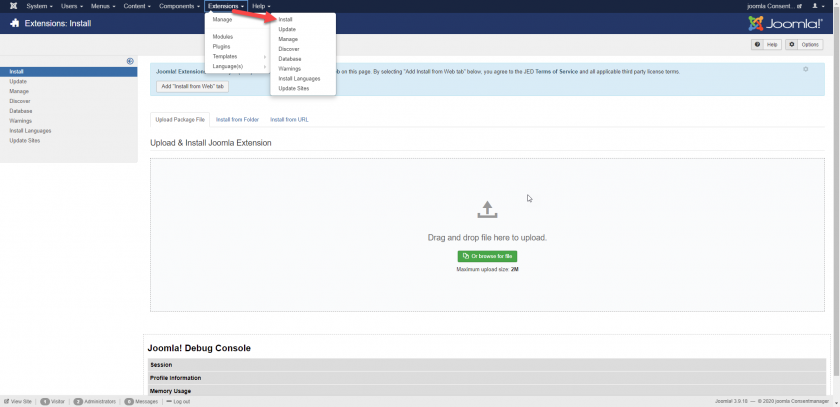
- Download the consentmanager Joomla plugin here and upload it to Joomla
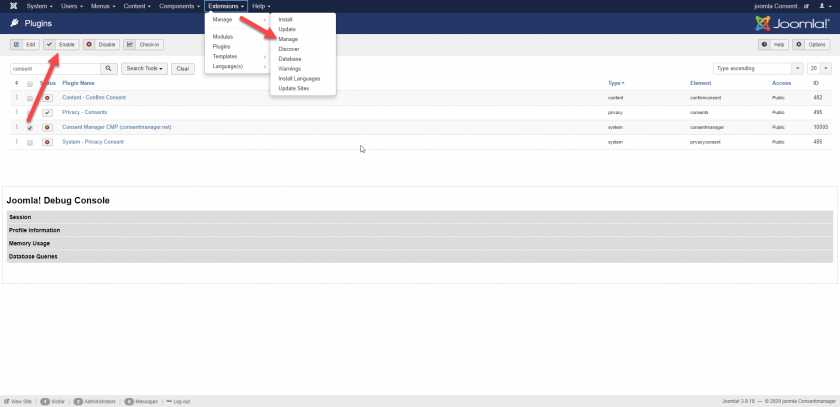
- Go to Extensions > Manage > Manage and activate the checkbox in front of consentmanager and click on Enable
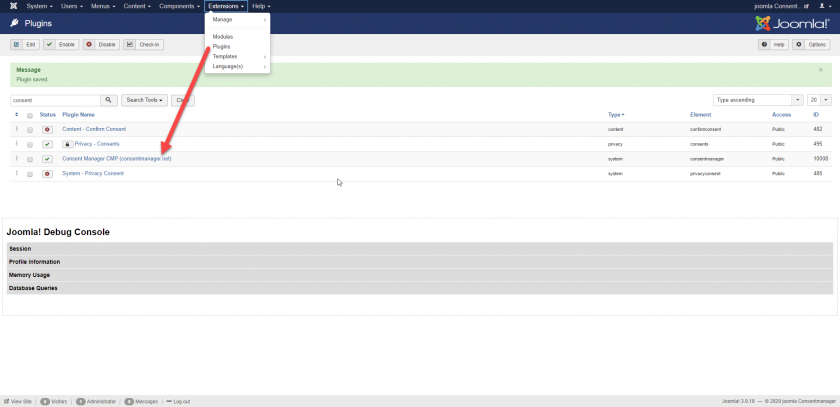
- Go to Extensions > Plugins > consentmanager
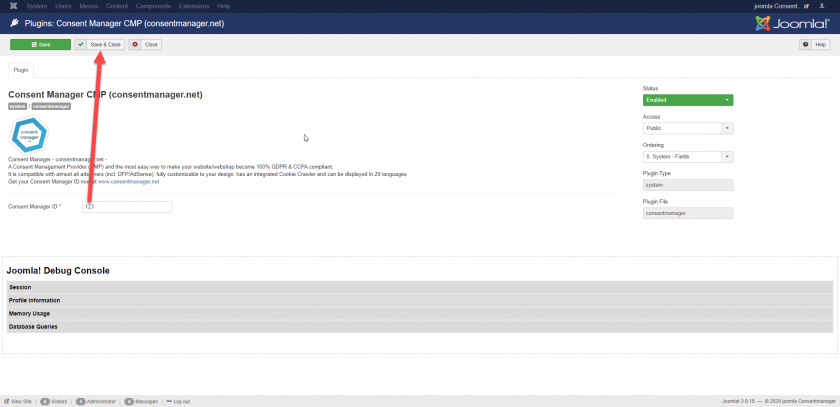
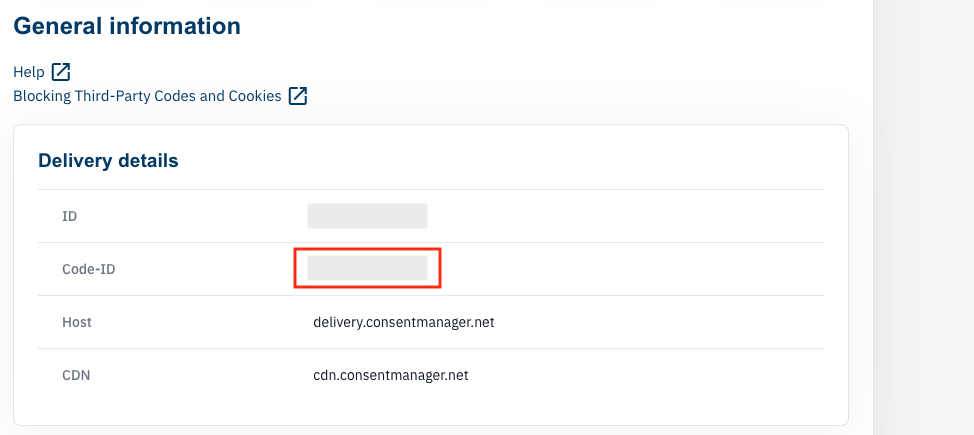
- Get your consentmanager CMP Code-ID, which can be found here:
- Insert your consentmanager Code-ID, choose your blocking type (automatic / semi-automatic) press Save & Close