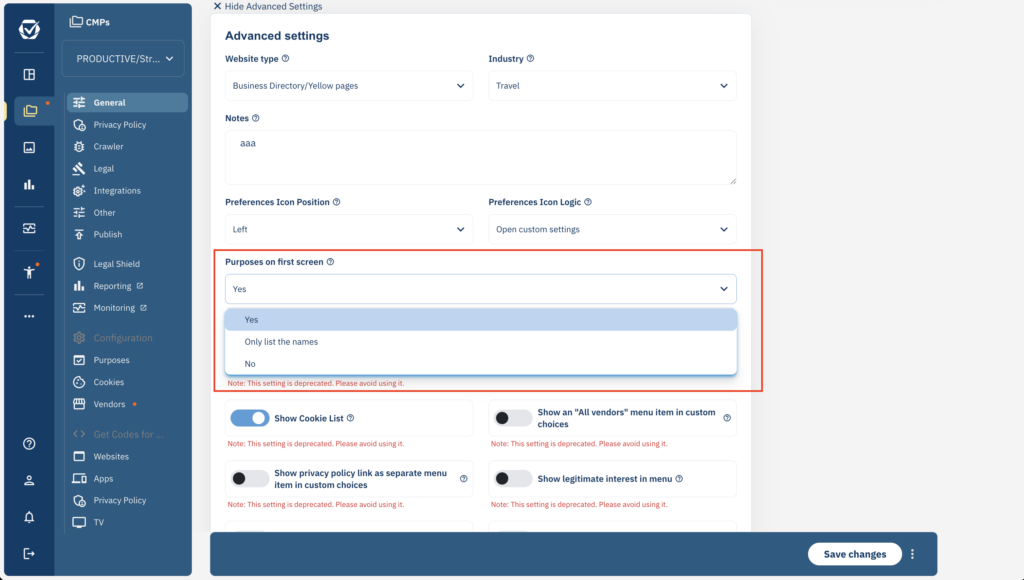
In order to show or hide the purposes on the first layer of the CMP, please go to Menu > CMPs > Edit and expand the advanced options of box CMP Appearance. Then enable or disable the setting Purposes on first screen:
Note: This setting is deprecated. Please avoid using it.
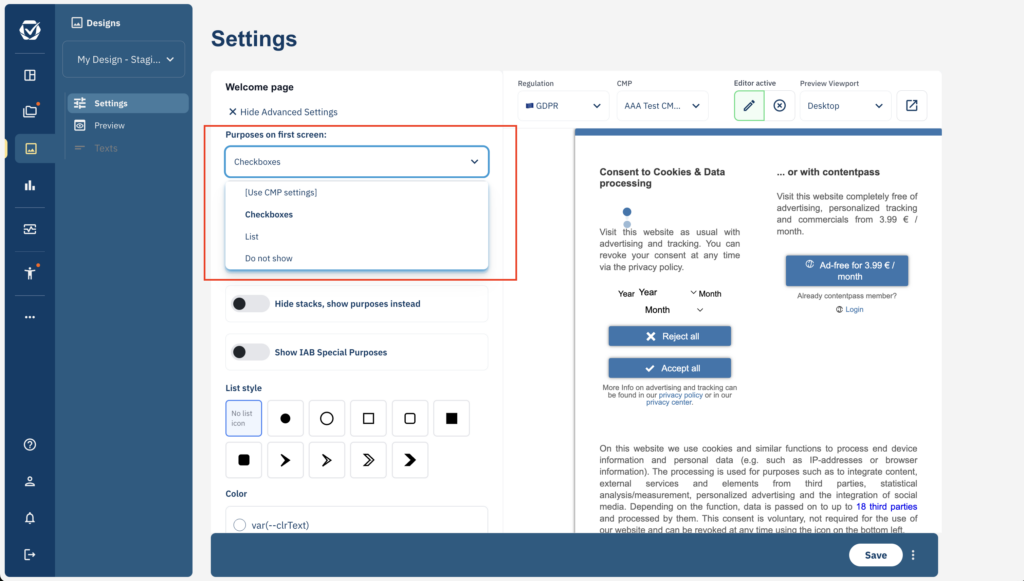
In addition to this, you can also override the CMP-setting in each design by editing Menu > Designs > Edit and show advanced options of the box Welcome page: